Containers and VMs from one panel, without lying about the difference
LXD containers, QEMU virtual machines and Docker all live on the same Virtualization screen. They are not the same thing, and pretending otherwise is how people lose data. Here is how we present three
In this essay
A virtualization screen in a hosting panel is usually one of two things. Either it is Docker with a nicer coat of paint, or it is a VM list that pretends containers do not exist. Both are easier to build than the honest version, which is: your server can run three quite different kinds of isolated thing, they are good at different jobs, and you should be able to tell which one you are looking at.
Ours runs LXD system containers, QEMU virtual machines and Docker containers side by side on one screen. This is what each is actually for, what the panel does with them, and the four traps that cost us the most time.
Three technologies, three jobs
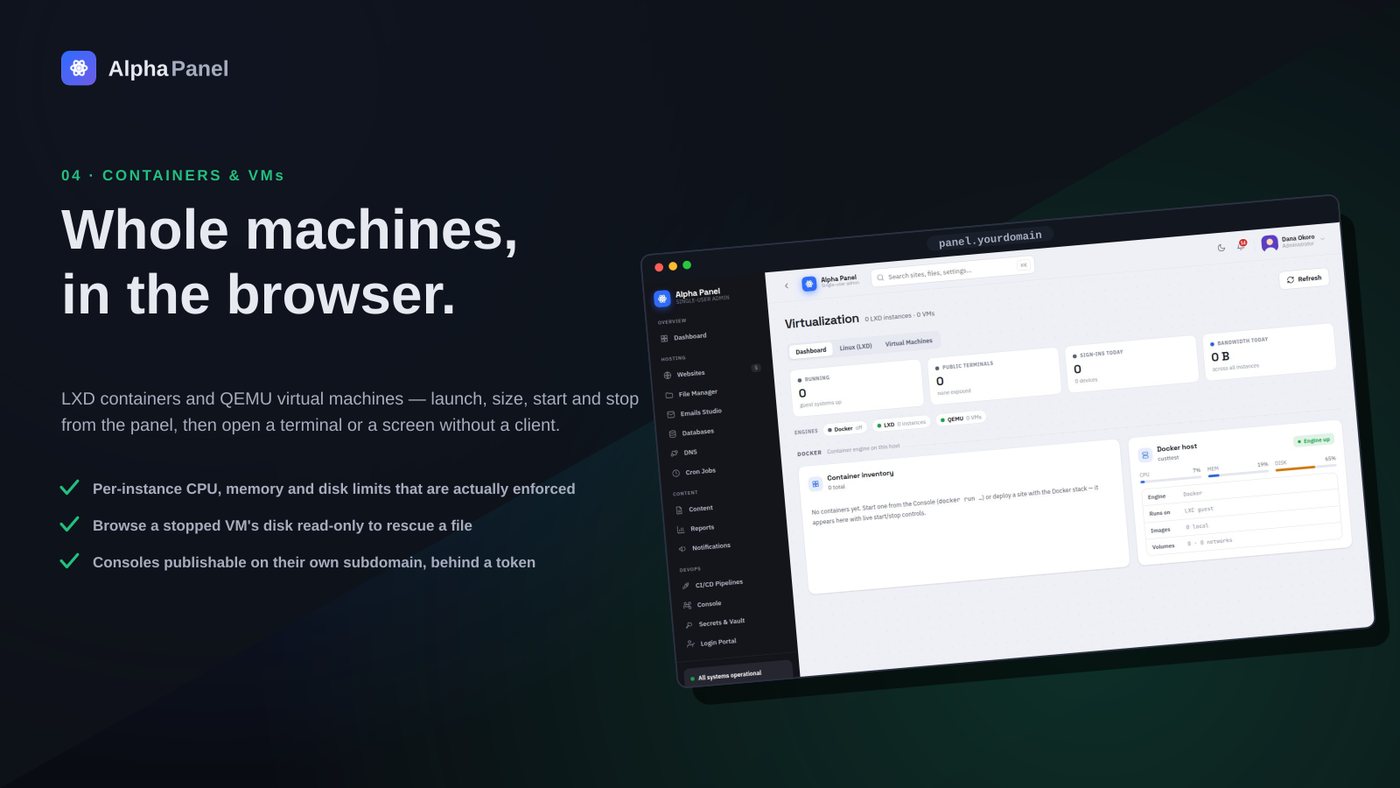
LXD containers share the host kernel but have their own init, their own users, their own package manager. They boot in under a second and feel like a small server, because that is what they are pretending to be. This is what you want for "give me another Ubuntu to try something in" — a customer test rig, a staging copy, a sandbox for a build.
QEMU virtual machines emulate hardware and boot their own kernel. They are slower to start, use more memory, and can run something that is not Linux. This is what you want when the guest genuinely must be a different operating system, or when you need the harder isolation boundary that a separate kernel gives you.
Docker containers are a process with a filesystem, not a machine. They start instantly, they hold one service, and they are the right shape for "run Redis" or "run this image somebody published" — and the wrong shape for "give me a server I can SSH into and mess about with".
| LXD | QEMU VM | Docker | |
|---|---|---|---|
| Boots | Under a second | Tens of seconds | Instantly |
| Kernel | Shared with host | Its own | Shared with host |
| Feels like | A small server | A separate machine | One process |
| Good for | Test rigs, staging | Other OSes, hard isolation | Single services |
Disk limits that were cosmetic for a month
This is the trap that stung the most. LXD accepts a disk limit on a container and reports it back to you happily. On a btrfs storage pool with quotas disabled — which is the default — that limit does absolutely nothing. The container writes past it forever, the panel shows the limit you set, and everything looks correct until the host disk fills.
We shipped that. For a while the Virtualization screen showed per-container disk limits that were pure decoration. The fix was to enable quota support on the pool and then verify by actually filling a container past its limit and confirming the write failed, which is now the only test we accept for a limit of any kind.
A limit you have not personally exceeded on purpose is a limit you have not tested.The rule we now apply to every quota in the product
There is a related surprise. Right after enabling quotas, the pool rescans, and during that rescan legitimate writes can fail with "quota exceeded" even though nothing is over its limit. If you turn this on and immediately see errors, wait for the rescan before concluding something is broken.
CPU limits: a share is not a cap
The second trap is subtler because both settings look like they do the same thing. limits.cpu.allowance accepts two forms and they mean different things.
50%is a SHARE — under contention this container gets half a core's worth relative to others. On an idle host it can still use everything.50ms/100msis a CAP — the container gets 50 ms of CPU per 100 ms window, always, whether or not the host is busy.
If what you want is "this thing must never eat my server", you want the second form. We found this out from the inside: a leftover test container was running a second copy of the whole panel plus a swarm of headless browsers, and the host CPU sat pegged. A share had been set. It was doing exactly what a share does on a host with idle capacity — using it.
The panel now writes the cap form when you set a CPU limit, and the container list shows live CPU and memory per row so the culprit is visible rather than inferred.
Reclaiming space when you delete something
Deleting a container should give the disk back. Getting that right required a piece of care worth passing on, because the naive version is dangerous.
Removing an image that no container is using is a good idea. The way to find those is to list images, list what containers are based on, and remove the difference. The trap: lxc image list prints a short fingerprint, while a container's recorded base image is the full one. Compare those two strings directly and nothing ever matches — every image looks unused, and a cleanup that trusts that comparison prunes all of them, including the ones your running containers were built from.
# WRONG — short fingerprint vs full hash, never matches
lxc image list -c f --format csv
lxc config get $c volatile.base_image

# RIGHT — ask for JSON and compare the same field
lxc image list --format json | jq -r '.[].fingerprint'
Deleting a Docker container likewise purges its volumes, its folder and its image, in that order, and says what it removed. Storage that only frees itself when you go and look for it will not be freed.
Consoles in the browser, without opening the box
Each container and VM gets a console reachable from a normal browser — a terminal for containers, a graphical console for VMs that have one. These are exposed on their own subdomains rather than on the panel's hostname, token-gated, with a per-console policy for whether access needs a password on top.
Two implementation notes that cost real time. A return 301 in nginx drops the query string, which silently breaks a token-carrying console URL — use the form that preserves it. And a graphical console needs the redirect to land on the exact path, because a trailing-slash mismatch on an aliased directory produces a 500 rather than a redirect.
Sessions are recorded. Every console open, close and the commands run within it land in the audit trail, because a shell that leaves no trace is a shell you cannot investigate after something goes wrong.
Reading a stopped machine's disk
A feature we did not expect to need and now use constantly: browsing the filesystem of a stopped virtual machine. The VM is off, its disk is a qcow2 file, and you want one config file out of it — or you want to know why it will not boot.
The panel mounts the image read-only and gives you a file browser over it. Read-only is not a preference; a qcow2 mounted read-write while anything else might touch it is a corrupted disk waiting to happen.
PrivateDevices=yes, which hides /dev/nbd* from the panel process entirely. The mount is performed through a transient systemd unit so it happens outside that sandbox. If something works in your shell and fails over HTTP, suspect the service sandbox before you suspect your code."No bootable device" is usually not a bug
The most common support question about VMs turned out to have a boring answer: an empty disk with no installation media attached will, correctly, tell you there is nothing to boot. The machine is working perfectly and reporting the truth.
Rather than document that, we changed the interface. A newly created VM with a blank disk gets an amber nudge on its card, the create form has an install-media picker, and the boot menu is enabled so you can choose. The number of people who hit the confusing message dropped to zero, because the situation that produced it now looks like an unfinished setup rather than a failure.
What to reach for
If you want to try something and throw it away, use an LXD container. If it must be a different operating system, or you want a genuinely separate kernel between it and your production data, use a VM. If you want one service that somebody else has already packaged, use Docker.
And whichever you pick, set the limit in its capping form, then go and exceed it on purpose. Twice now the version of that story on this server ended with "the limit was decorative", and both times the only thing that revealed it was trying.
Uptime monitoring that tells you what actually happened
Every panel shows a green dot. Almost none can tell you how long you were down last month, or that a certificate expires on Tuesday.
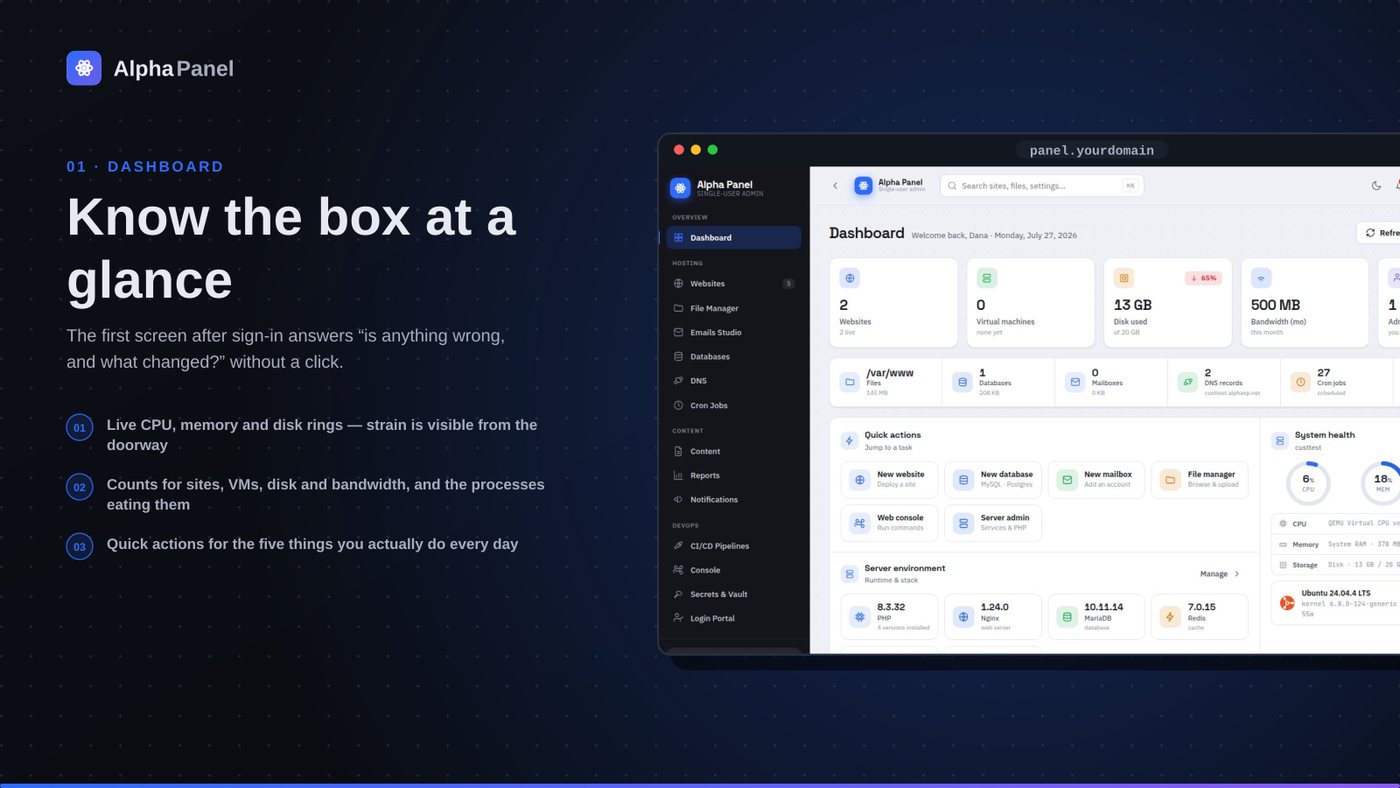
What a server dashboard should tell you (and what most of them don't)
A control panel's front page is the only screen most people ever look at. Here is what ours puts on it, why each number is there, and the ones we deliberately left off.
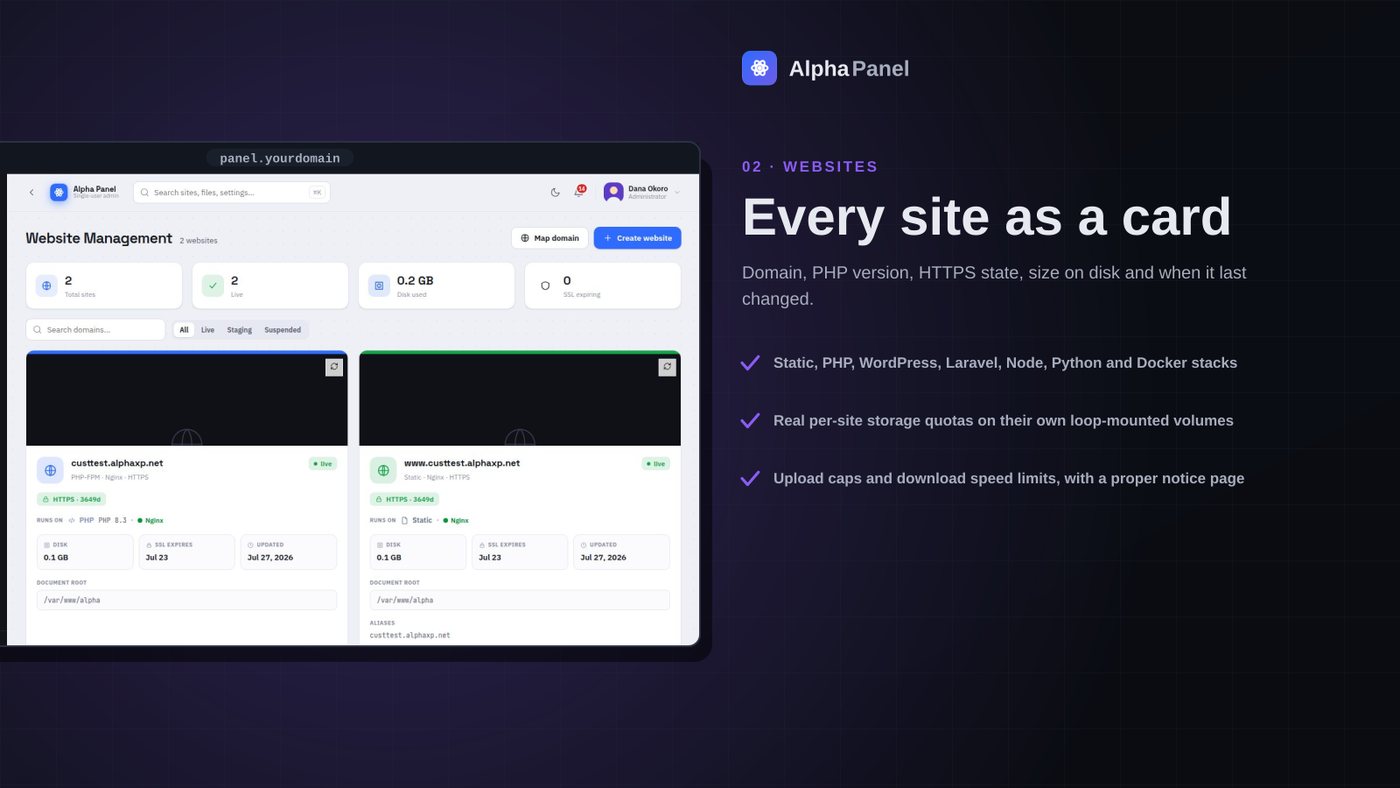
A storage limit that is actually a limit
Most per-site disk quotas in hosting panels are a number in a database that nothing enforces. We made ours a real filesystem the site cannot see past — here is what that took, and what it broke.
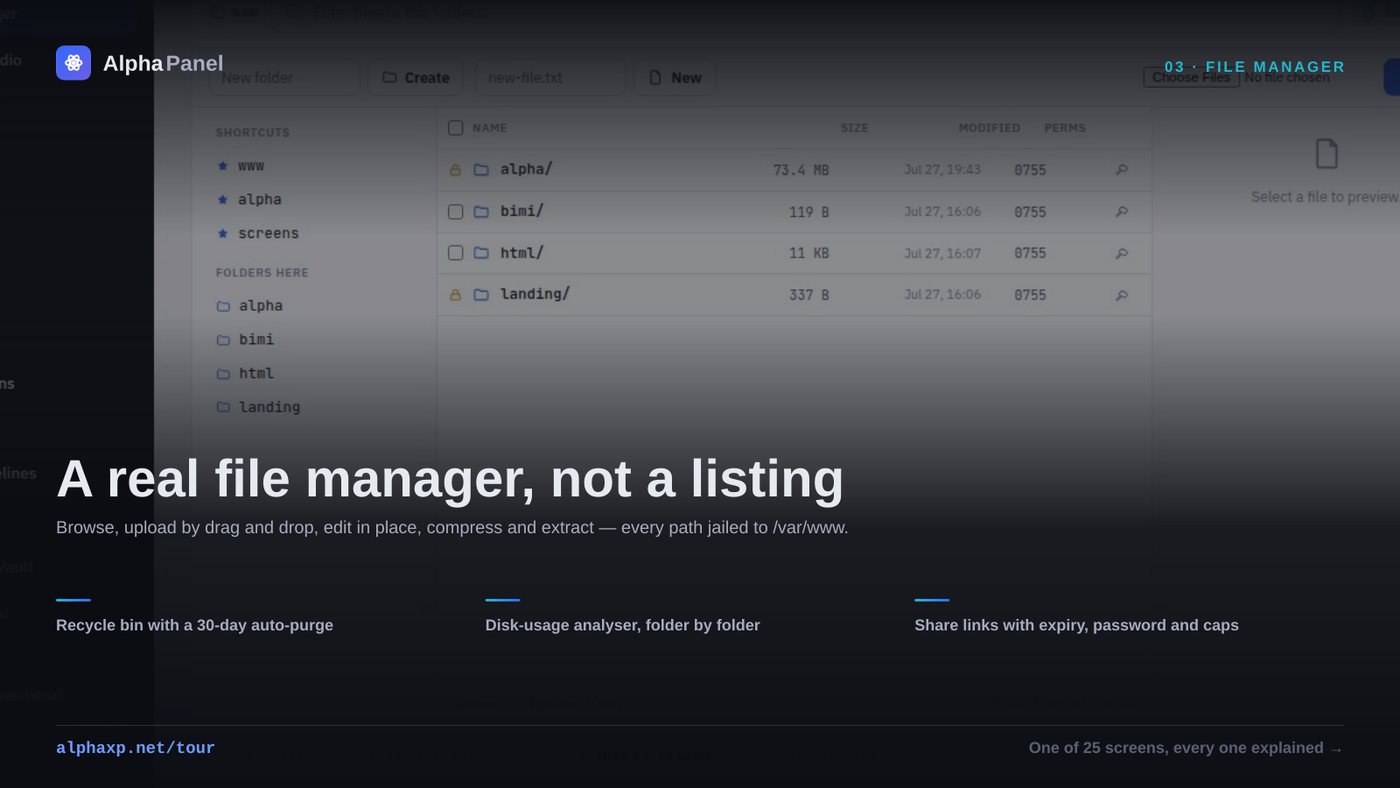
The delete that reported success and did nothing
A file manager is the most dangerous screen in a control panel. This is the bug that taught us that, plus what a browser-based file manager has to get right before anyone should trust it with a produc
Alpha Labs
We build Alpha Panel and run it on the same server it manages.