A storage limit that is actually a limit
Most per-site disk quotas in hosting panels are a number in a database that nothing enforces. We made ours a real filesystem the site cannot see past — here is what that took, and what it broke.
In this essay
Here is a test you can run on any hosting panel that offers per-site disk quotas. Set a site's limit to one gigabyte. Then SSH in as that site's user, or open a PHP shell in it, and write two gigabytes of zeroes into its document root.
On most panels, it works. The file writes, the disk fills, and the panel's quota display cheerfully shows 2.0 GB of 1.0 GB used — a number that is honest about the fact that it is decorative. The limit was a row in a database that the upload form consulted and nothing else did.
We shipped exactly that, and were unhappy about it, and then replaced it. This is what the replacement looks like.
What a soft quota can and cannot do
The first version stored a number per document root and checked it in one place: the file manager's upload handler. Before writing an uploaded file it summed the directory, added the incoming size, and refused if the total crossed the limit.
That is genuinely useful and we kept it, because it catches the most common way a site gets fat — somebody uploading a folder of raw camera images through the panel. It is also trivially bypassed by literally any other write path: FTP, a deploy from git, WordPress writing its own uploads, a PHP script generating cache files, a log that nobody rotated.
- Catches: uploads through the panel's own file manager
- Misses: FTP, SFTP, git deploys, the application writing its own files
- Misses: log growth, cache directories, database dumps left in the web root
- Misses: anything at all that happens while the panel is not running
The real version: give the site its own filesystem
The honest way to limit how much disk a directory can use is to make that directory a filesystem of a fixed size. On this panel, setting a storage limit on a panel-created site does exactly that: it allocates a file of the requested size, formats it, moves the site's data into it, and mounts it at the site's path.
From the site's point of view, the change is total. df inside that site reports the limit, not the server's disk. PHP's disk_total_space() returns the limit. A runaway process filling the volume gets ENOSPC and stops, and — this is the part that matters — it stops without touching the rest of the server. The database on the same box keeps running. The other fifteen sites keep serving.
# inside a site with a 5 GB limit
$ df -h .
Filesystem      Size  Used Avail Use% Mounted on
/dev/loop7      4.9G  1.2G  3.5G  26% /var/www/sites/shop

# the server's actual 118 GB disk is simply not visible from here
Resizing works in both directions and does not require taking the site down: growing extends the volume and the filesystem, shrinking checks the filesystem first and refuses if the current contents would not fit. If you ask for 2 GB on a site already using 3, you get told the minimum you may set, not a corrupted volume.
The four things this broke
None of this was free. Every one of these was found by doing it, not by thinking about it.
1. Backups started copying the volume
The backup routine walked /var/www/sites and now found a mounted filesystem where a plain directory used to be. That is fine — it copies the contents — but the first run after the change took noticeably longer because the volume file itself was also inside the backup root. Backups now copy through the mount, not the container file.
2. Disk usage was double-counted
The server's own disk chart briefly reported the site's data twice: once as the size of the volume file, once as the contents seen through the mount. Anything that walks a tree containing mount points has to decide which side of the mount it is measuring, and say so.
3. Deleting a site left the volume behind
The delete path removed the directory, which is a no-op on a mount point, and left an orphaned multi-gigabyte file. Site deletion now unmounts first, removes the volume, drops the fstab entry and forgets the quota record — in that order, with each step tolerant of the previous one having already happened.
4. A reboot has to remount everything
A mount that only exists until the next restart is a trap that springs weeks later, on a day you are not thinking about storage. Each volume gets an fstab entry when it is created, so the site comes back after a reboot with its limit intact.
Transfer limits are the other half
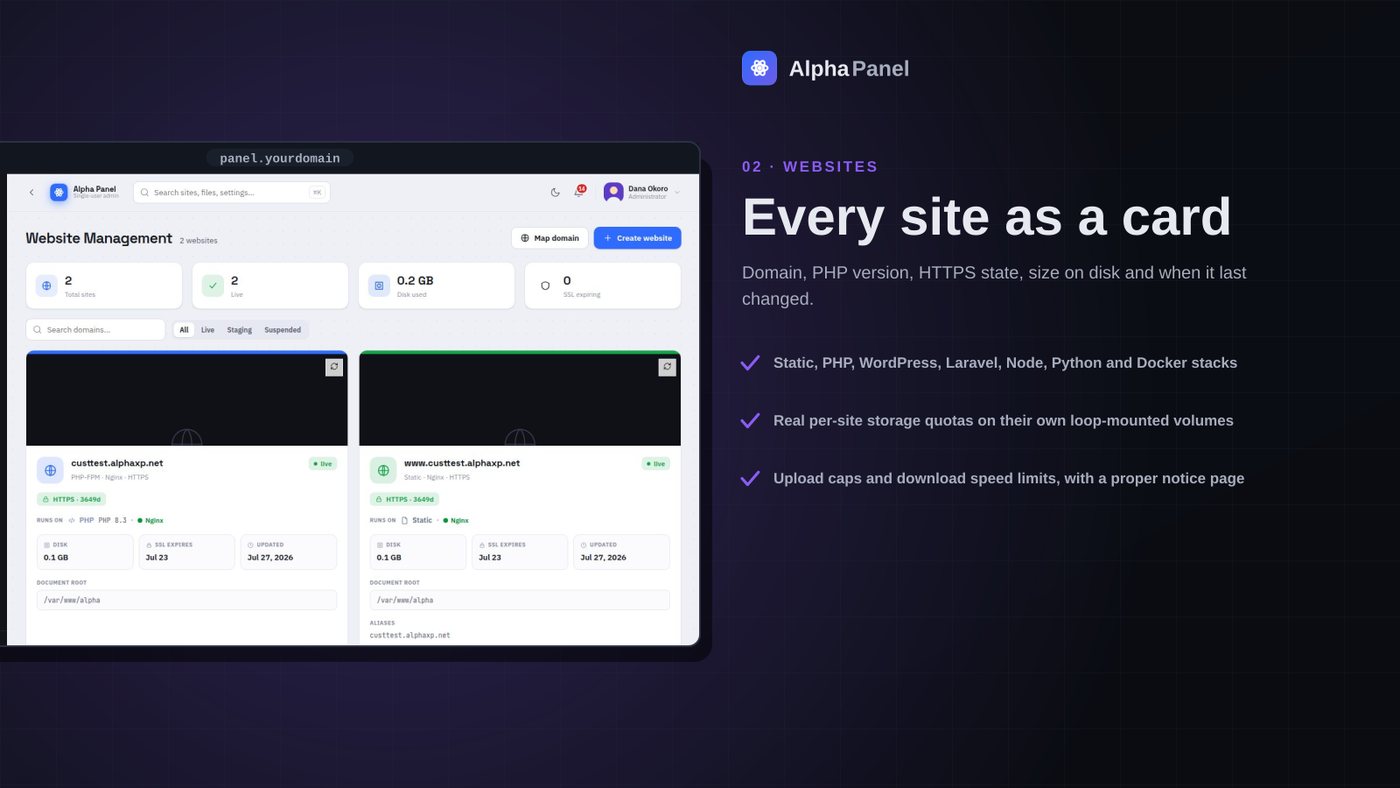
Disk is one axis. The other is what a site can push through the wire, and that lives in nginx rather than in the filesystem. Two per-site numbers: the largest request body a visitor may upload, and the download speed a single connection is allowed.
The upload cap is the interesting one, because refusing an upload badly is worse than not capping it. Nginx's default behaviour when a body exceeds the limit is a bare 413 Request Entity Too Large — a white page with black text that reads, to a normal person, as "the website is broken". We serve a real notice page instead, styled, in the site's own context, explaining what the limit is.
The download speed limit is per connection, which is worth stating plainly because it is the most misread setting in this category. Setting 500 KB/s does not cap the site at 500 KB/s; it caps each individual download at that rate. Ten simultaneous visitors can still use 5 MB/s between them. It is a fairness tool for large files, not a bandwidth budget.
| Setting | Enforced by | What it actually stops |
|---|---|---|
| Storage limit | Real filesystem (kernel) | Any write of any kind, from any process |
| Upload cap | nginx client_max_body_size | A single visitor request that is too large |
| Download speed | nginx limit_rate | One connection saturating the link |
| Site count cap | The panel, before creating | New sites past a number you set |
Defaults, so you set it once
All of the above is per site, which becomes tedious the moment you have more than a handful. The panel's settings screen carries a defaults block: disk per site, upload cap, download speed, and hard caps on how many sites and databases may exist at all. Anything non-zero is applied automatically the moment a new site is created.
The two caps behave differently from the three limits, and the difference is deliberate. Limits are applied after creation, to the thing just made. Caps are checked before creation, because refusing halfway through would leave a half-built site on disk — a vhost with no root, or a root with no certificate. Guards that run late are how you end up with cleanup code.
Zero everywhere is the shipped default, which means an install that never opens this screen behaves exactly as it did before any of this existed. That is a rule worth adopting generally: a new constraint whose default is off cannot break anybody's existing setup, and the people who want it will find it.
Attached sites: many sites, one volume
There is a second shape of site that complicates all of this, and it is common enough to be worth its own section. Not every site is a subdomain with its own vhost — plenty are folders sitting inside another site, reached at example.com/shop or example.com/docs. The panel calls these attached sites, and they are first-class: each one gets its own row, its own stack detection, its own WordPress tooling if it is WordPress.
But a folder inside a filesystem cannot have its own filesystem. So attached sites fall back to the soft quota — the panel-enforced one — and the interface says so, in those words, on the row itself. It does not show a limit chip that looks identical to a real one and quietly means something weaker.
This is the pattern we now reach for whenever a capability is genuinely partial: implement the strong version where it is possible, implement the weak version where it is not, and make the difference visible in the interface rather than in a footnote nobody reads. A user who knows their limit is advisory can plan around it. A user who thinks it is enforced cannot.
What we would tell you to do first
If you run one site on one box, none of this matters and you should not turn it on. The value appears at the point where sites can affect each other — where a client's WordPress writing 40 GB of cached thumbnails can take your mail server down with it, because they share a disk and nothing said otherwise.
At that point, do the storage volume before the transfer limits. A full disk is the failure that takes everything with it; a slow download is an annoyance. And set the site count cap even if you set nothing else, because it is the one guard that costs nothing and catches the automation bug where a loop creates sites forever.

Uptime monitoring that tells you what actually happened
Every panel shows a green dot. Almost none can tell you how long you were down last month, or that a certificate expires on Tuesday.
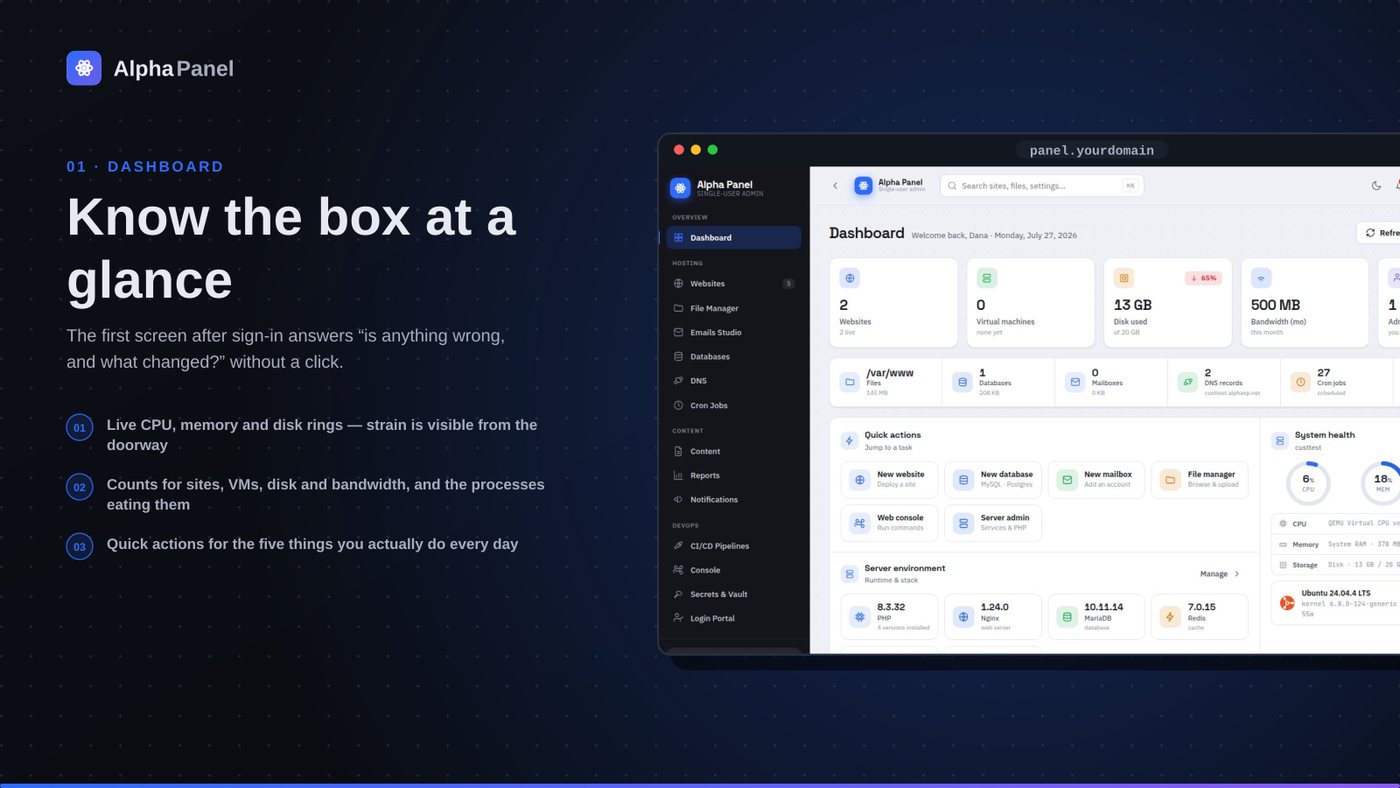
What a server dashboard should tell you (and what most of them don't)
A control panel's front page is the only screen most people ever look at. Here is what ours puts on it, why each number is there, and the ones we deliberately left off.
A storage limit that is actually a limit
Most per-site disk quotas in hosting panels are a number in a database that nothing enforces. We made ours a real filesystem the site cannot see past — here is what that took, and what it broke.
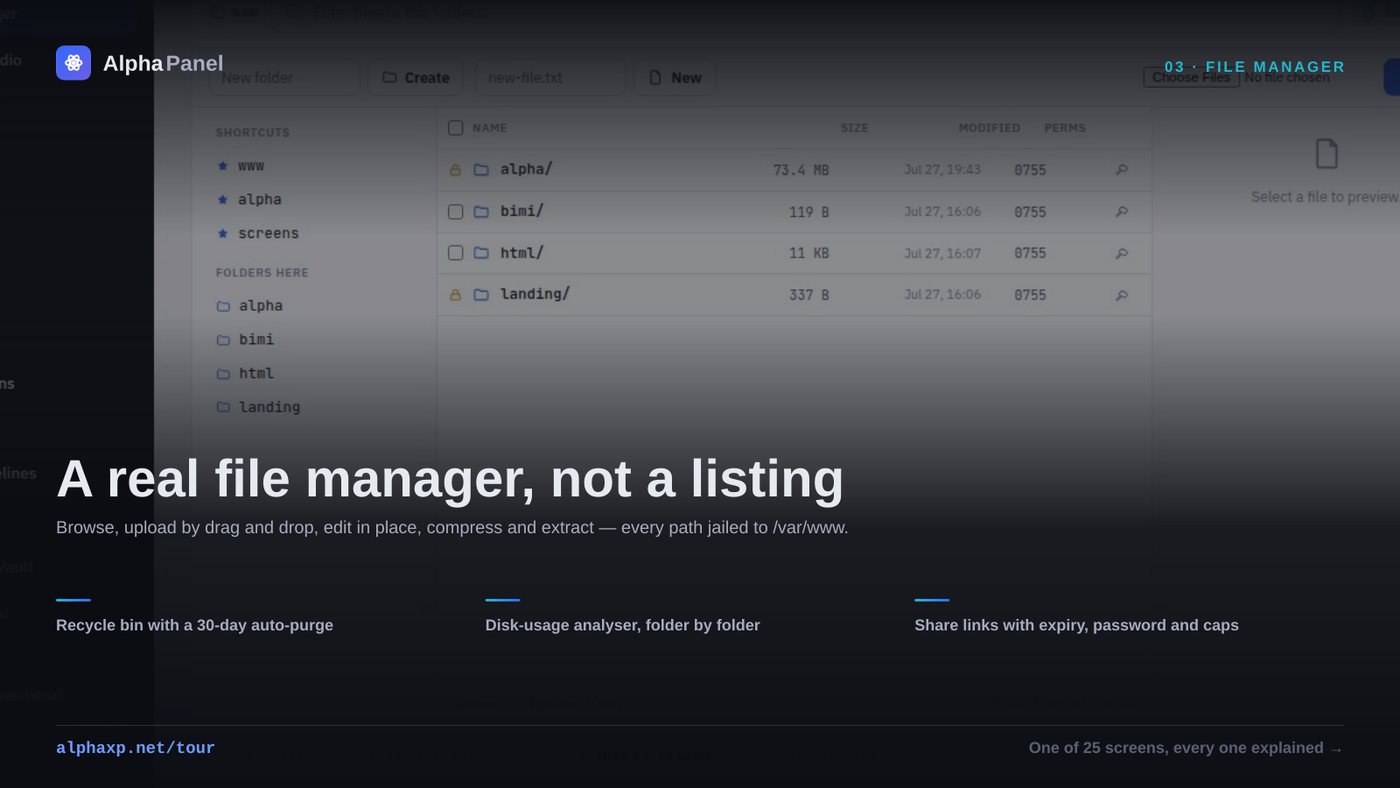
The delete that reported success and did nothing
A file manager is the most dangerous screen in a control panel. This is the bug that taught us that, plus what a browser-based file manager has to get right before anyone should trust it with a produc
Alpha Labs
We build Alpha Panel and run it on the same server it manages.