The delete that reported success and did nothing
A file manager is the most dangerous screen in a control panel. This is the bug that taught us that, plus what a browser-based file manager has to get right before anyone should trust it with a produc
In this essay
The report was one sentence: I deleted a folder and it's still there.
It was worse than that. The folder was still there, but everything inside it was gone. The panel had said Deleted, in green, and had been telling the truth about the part it managed to do and silent about the part it could not. This is the anatomy of that bug and the seven other things a file manager has to get right, most of which we learned the same way.
The bug
Deleting a directory recursively means emptying it and then removing it. Our implementation walked the tree, unlinked every file, removed every subdirectory, and finally called rmdir on the folder itself. It checked the return of the walk. It did not check the return of the final rmdir.
On the folder in question, that final call failed — the directory was a site's document root, and the mount and ownership beneath it meant the panel's user could empty it but not remove it. The function returned success because the part it looked at had succeeded. The interface said so. The contents were already gone.
// what it did
fm_rmtree($path);          // empties, returns true
@rmdir($path);             // fails; return value discarded
return ['ok' => true];     // ← the lie

// what it does now
$r = fm_rmtree($path);
if (!$r['ok']) return $r;                       // stops BEFORE emptying more
if (!@rmdir($path)) return ['ok' => false,
  'msg' => 'Emptied it, but the folder itself could not be removed.'];
The fix was not only the return check. Deleting a site's document root through the file manager is now refused outright — with a message explaining that the site owns that path and pointing at the Websites screen, where deleting a site does the whole job properly. A file manager should not be the way you take a website down by accident.
Protected paths, and why a blacklist is the wrong shape
The obvious fix is a list of paths that cannot be deleted. We started there, and the list immediately started growing: web roots, then the mail spool, then the panel's own directory, then the volumes behind site quotas. Every new feature added an entry that somebody had to remember to add.
What replaced it is a question asked of the system rather than a list maintained by hand: before a destructive operation, the panel asks whether the target is a path some other subsystem owns. The vhost configs know their roots. The quota store knows its mount points. If any of them claims the path, delete and rename are refused and the reason names the owner.
- Delete refused on any active vhost document root
- Rename refused on the same paths, for the same reason
- The panel's own directory is invisible from the browser entirely
- Everything else is fair game — it is your server
The general principle: derive the guard from the state, do not maintain it in parallel with the state. A hand-kept list is correct on the day it is written and wrong from the first feature after that.
The recycle bin is not a nicety
Delete moves to a recycle bin. Files keep their original path so restore puts them back exactly where they were, and the bin is purged on a schedule you set rather than at some fixed interval we picked.
It is tempting to treat this as polish. It is not — it is the thing that makes every other risk in this article survivable. A file manager where delete is final is a file manager where every click carries the weight of a permanent decision, and people cope with that by not using it, which sends them back to SSH and undermines the whole point.
The bin has one rule that took a while to get right: it does not silently swallow the disk. Its contents count against the disk-usage display, are listed with their sizes, and the purge job reports what it removed. A recycle bin you cannot see the size of is a slow leak with a friendly name.
Uploads, and the two limits that are not the same
Uploading through a browser runs into two different ceilings that produce almost the same symptom. PHP has upload_max_filesize and post_max_size; nginx has client_max_body_size. The real limit is the smallest of the three, and when you cross it the failure mode differs by which one you crossed — one gives you a PHP error you can catch, one gives you a bare 413 from the web server before PHP ever runs.
The panel reads all of them and displays the effective limit, computed, rather than a number typed into the interface at some point in the past. That sounds like a small thing. It is the difference between "why did my 200 MB file fail when it says the limit is 512 MB" and never asking the question.
Preview without executing
Previewing a file in the browser is where a file manager can turn into a security hole. The panel previews images inline, and an SVG is an image that can carry JavaScript — served from the panel's own origin, where it would run with the panel's session.
Two defences, both needed. The preview is served through an authenticated endpoint that sets a restrictive content type and a sandbox policy, so script inside an SVG cannot execute or reach anything. And the media library refuses to store SVGs containing script, remote references or foreign objects in the first place — checked on the content, not the extension.
The same logic applies to what may be stored at all. HTML and JavaScript uploads are refused outright in the public media library: a page you did not write, hosted on your own domain, is a phishing vector with your certificate on it. Genuine embeds go through the page builder's Custom HTML block, which is an authenticated author making a deliberate choice.
Share links: the feature that leaks hostnames
Sharing a file produces a link with an expiry, an optional password and an optional download cap. The important detail is which hostname that link carries.
The panel lives on an obscured hostname that is deliberately not published anywhere. A share link handed to somebody else that pointed at that hostname would burn it — permanently, to whoever received the link and whoever they forwarded it to. Share links are therefore served from the public API host, never from the admin host, and that rule is checked rather than remembered.
The admin hostname must never appear in anything a visitor can fetch.A standing rule, broken twice before it became one
The same rule shaped the media library, the page builder and the blog: stored links are root-relative, panel-only thumbnails go through an authenticated endpoint, and anything user-facing is built from the public host. It is easy to state and easy to violate accidentally, which is why it gets audited on every public URL.
Knowing where the space went
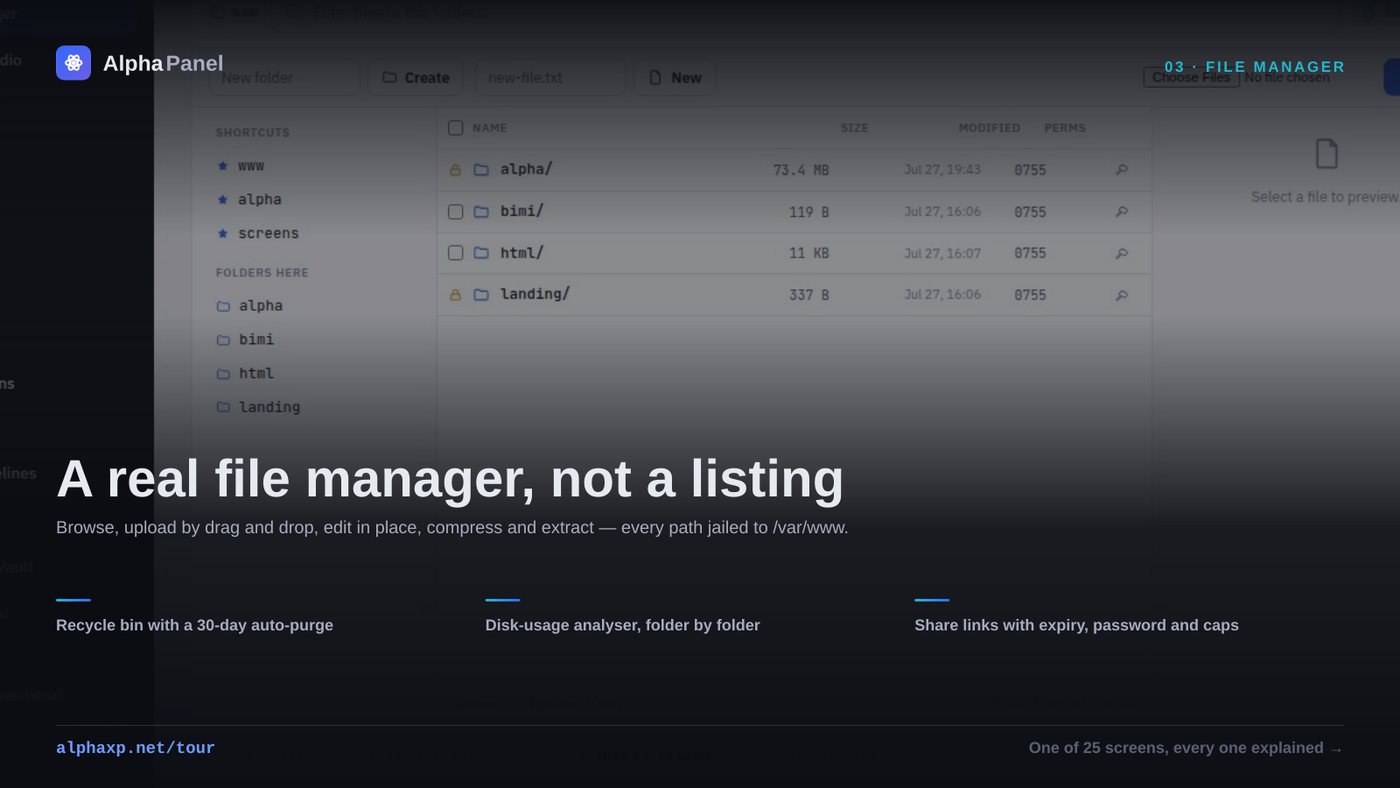
The disk usage tab answers "what is eating my disk" by scanning and caching, with the scan timestamp shown and a manual rescan available. Rows expand into their children with a share-of-parent bar, so you can walk down to the actual culprit rather than being told that /var is large.
Two lessons from building it. The scan has to be cached — an early version walked the whole tree on every render of the files route, which made an unrelated screen mysteriously slow. And folder sizes must be computed with the same mount-awareness as everything else, or a site with its own volume gets counted twice, which we did for exactly one afternoon.
The related storage doctor takes this further: it reclaims things that are provably regenerable — package caches, journal overflow, dangling container layers — in one click, and merely reports anything that might be data. A cleanup tool that deletes something irreplaceable once is a cleanup tool nobody runs again.
The test to run on your own panel
Delete something that cannot be deleted. Pick a directory owned by another user, or a mount point, or a path the web server owns, and delete it through the interface. Then go and look at it in a shell.
If the panel said success and the contents are gone but the folder remains — or worse, if it said success and nothing happened at all — you have found the same class of bug. It is not rare. It comes from checking the return value of the step you were thinking about and not the step that actually completes the operation.
Uptime monitoring that tells you what actually happened
Every panel shows a green dot. Almost none can tell you how long you were down last month, or that a certificate expires on Tuesday.
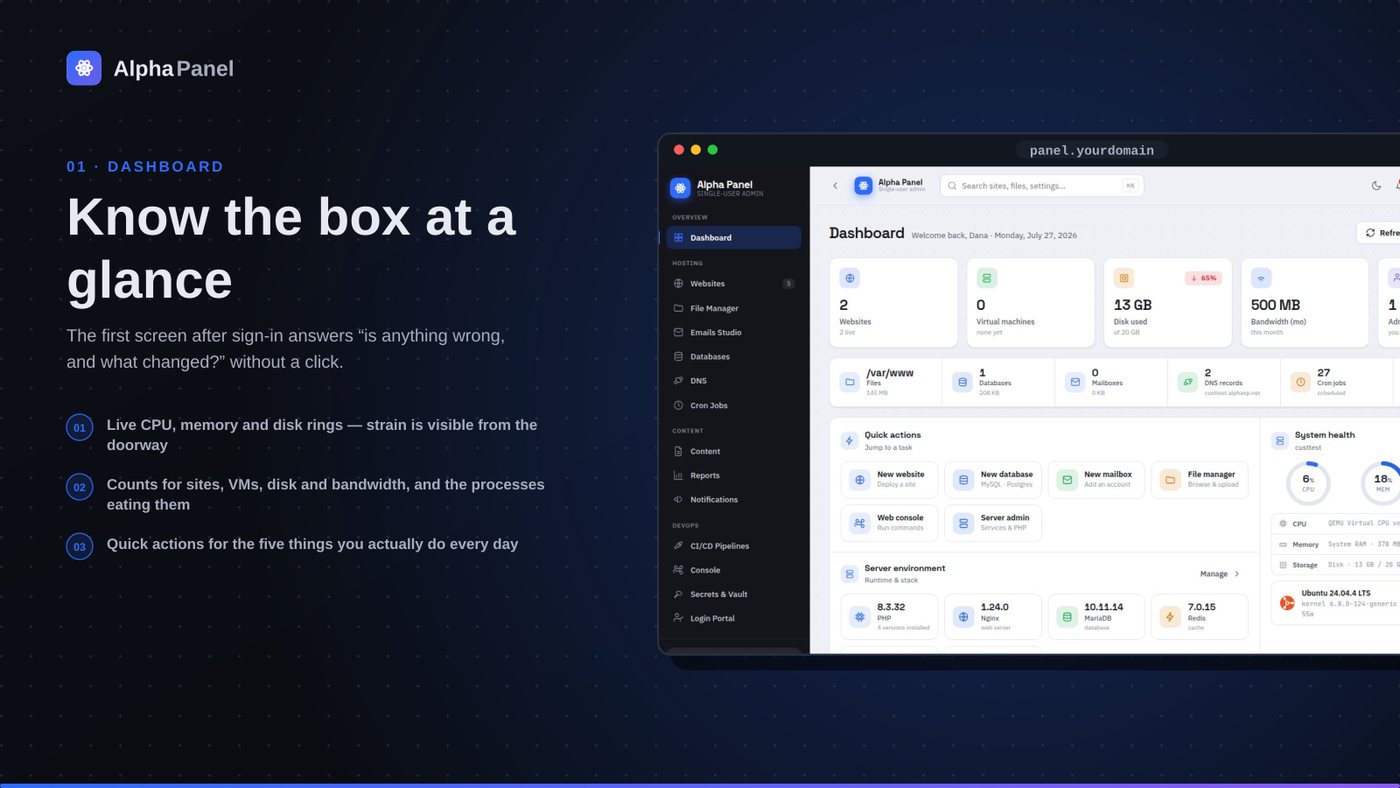
What a server dashboard should tell you (and what most of them don't)
A control panel's front page is the only screen most people ever look at. Here is what ours puts on it, why each number is there, and the ones we deliberately left off.
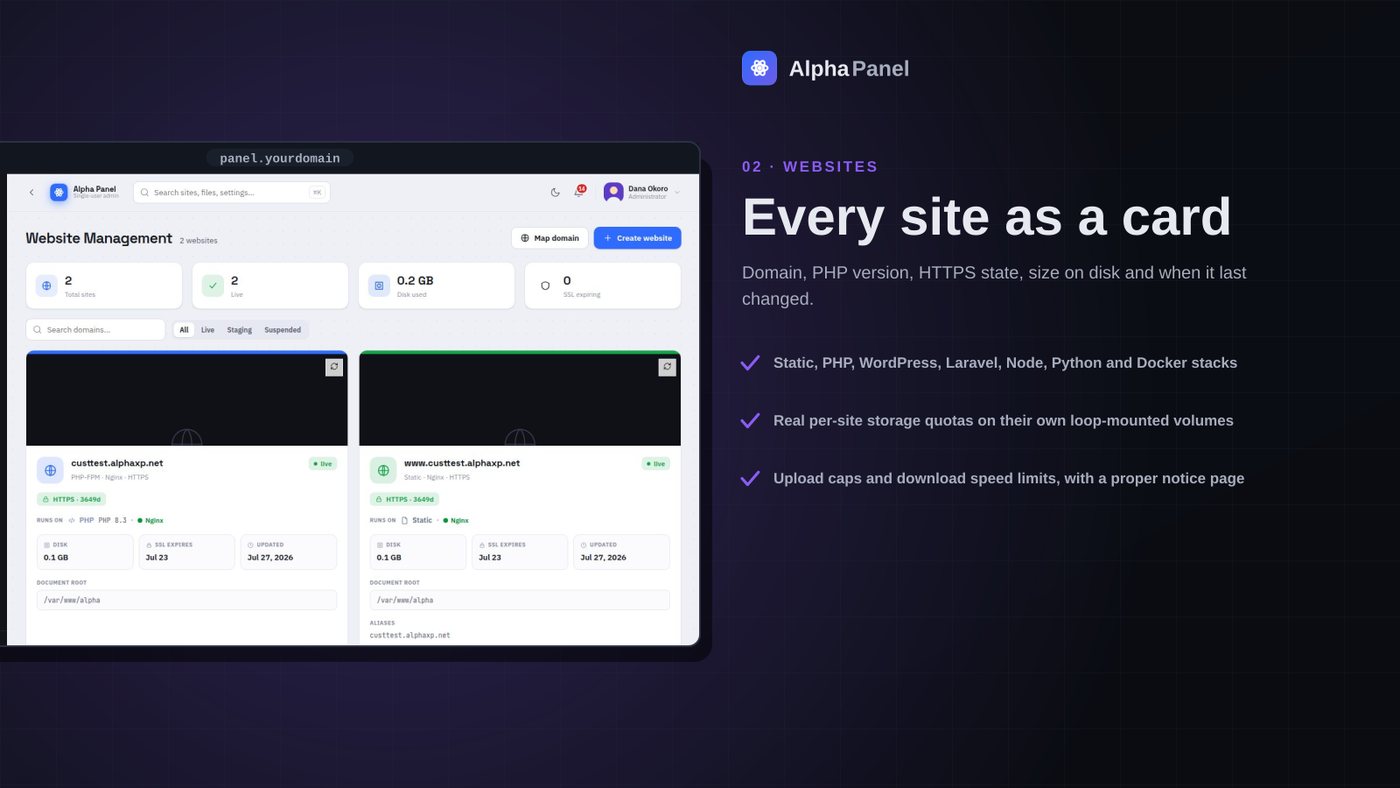
A storage limit that is actually a limit
Most per-site disk quotas in hosting panels are a number in a database that nothing enforces. We made ours a real filesystem the site cannot see past — here is what that took, and what it broke.
The delete that reported success and did nothing
A file manager is the most dangerous screen in a control panel. This is the bug that taught us that, plus what a browser-based file manager has to get right before anyone should trust it with a produc
Alpha Labs
We build Alpha Panel and run it on the same server it manages.